Bounce, spam, bots: the thresholds that should alert you on Klaviyo
Bounce, spam complaints, unsubscribes, bot clicks: at what number should you worry on Klaviyo? The thresholds I use and why.
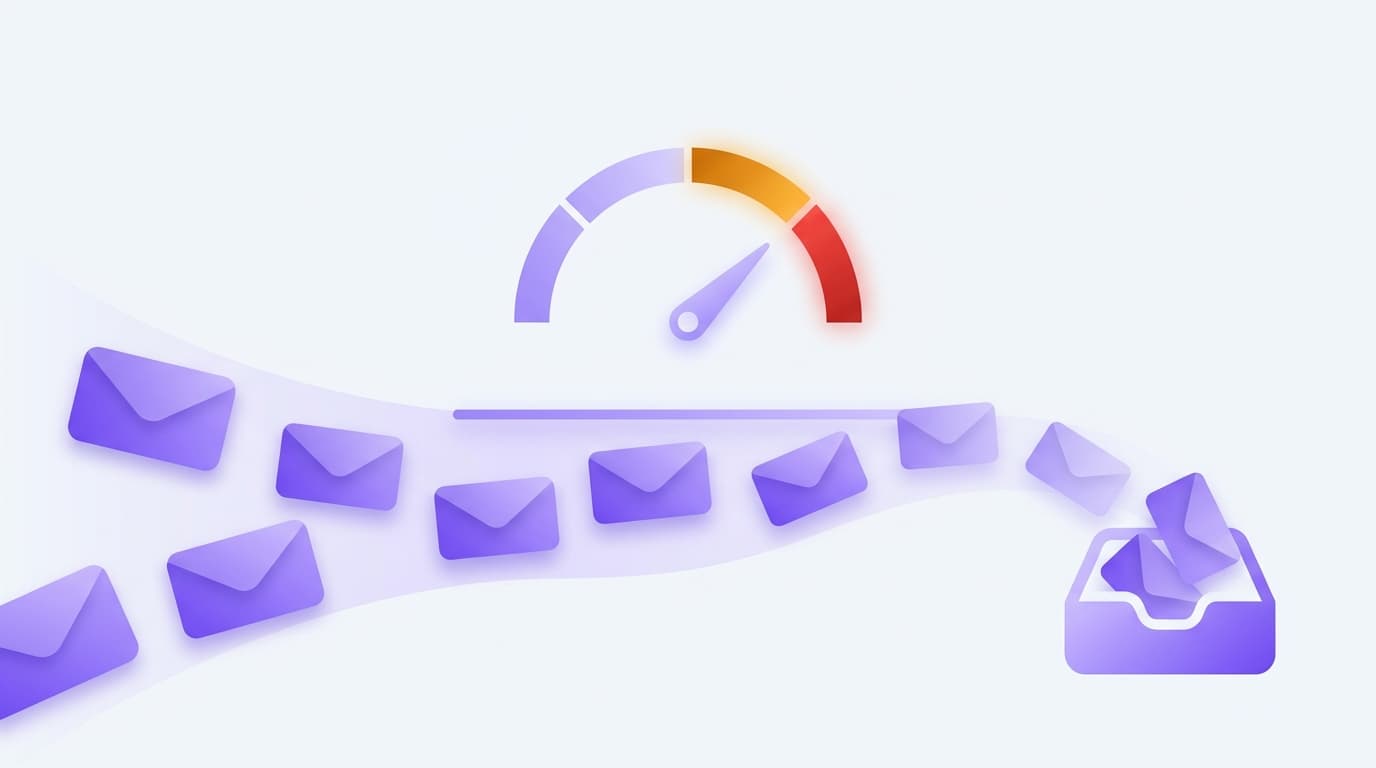
"That's high, isn't it?" I get asked this all the time in front of a bounce or complaint rate. The truth is that a number means nothing without a threshold. A 1.5% bounce can be perfect or alarming depending on context. Here are the markers I use and, above all, what each one protects.
Bounce: 2%
Above 2% bounces on a send, I stop and look. The bounce measures addresses that do not exist or refuse the send. A high rate almost always means a dirty list: an old import, addresses never cleaned, collection without double opt-in.
This is not just a problem for the day. Inbox providers watch your bounce rate to decide whether you are a serious sender. An account that bounces too much sees its reputation drop, and so its real deliveries too. The bounce damages the following sends, not just the one that bounced.
Spam complaints: 0.1%
The lowest and most serious threshold. A complaint is a subscriber clicking "report as spam". Past one complaint per thousand sends, providers start to doubt you. Gmail is explicit about this: it wants you under 0.1%, ideally well below.
A spike in complaints on a campaign is handled immediately, before the next send. It is often a consent problem (people who do not remember signing up) or a pressure problem (too many emails, too fast). Ignored, it turns into a deliverability case that is hard to repair.
Unsubscribes: 0.5%
Less serious than a complaint, but telling. An unsubscribe rate above 0.5% on a send says the message was not for this audience, or not at the right time. A clean unsubscribe beats a complaint, it spares you a damaged reputation. But a rate that climbs is still an account wearing out its list faster than it fills it.
Bot clicks: 25%
This one distorts your analysis more than it threatens deliverability. Anti-tracking protections open and click emails automatically, which inflates your rates with activity that is not human. When the bot-click share passes 25% of the total, your click rates no longer mean much as they are. You have to read them filtered, at Bot Click = 0, or you make decisions on fake data.
The trap of the overall number
All these thresholds apply to the account, but the real diagnosis is often finer. An account can show a decent average open rate and hide a specific provider where deliverability collapses. If your opens drop on a single inbox provider while the others hold, it is not your content, it is your reputation toward that provider. The overall number drowns it. The per-provider breakdown shows it.
Watching the thresholds without thinking about it
Knowing the thresholds is one thing. Checking them on each account, every week, is another. KlaviBoard applies these rules continuously across all your accounts: bounce above 2%, complaints above 0.1%, unsubscribes above 0.5%, bot share above 25%. It also isolates deliverability by provider, and flags a provider whose real reach rate slips against the previous period. You do not go looking for the thresholds. They come to you when they are crossed.
Want to test your own numbers right now? I built a free Klaviyo deliverability checker: enter your rates and it scores them against these thresholds in 30 seconds.
For campaign-by-campaign reading, the article on the numbers to look at after a send completes this one.
Open the demo to see what it looks like on sample data, without connecting anything and without signing up.